Computer-Use Agents vs. RPA: How Mid-Sized Companies Safely Automate Legacy Software Without an API
In short
Agents that operate screens look like the answer to the old ERP without an API. A three-tier rule shows when they fit and how to secure them.
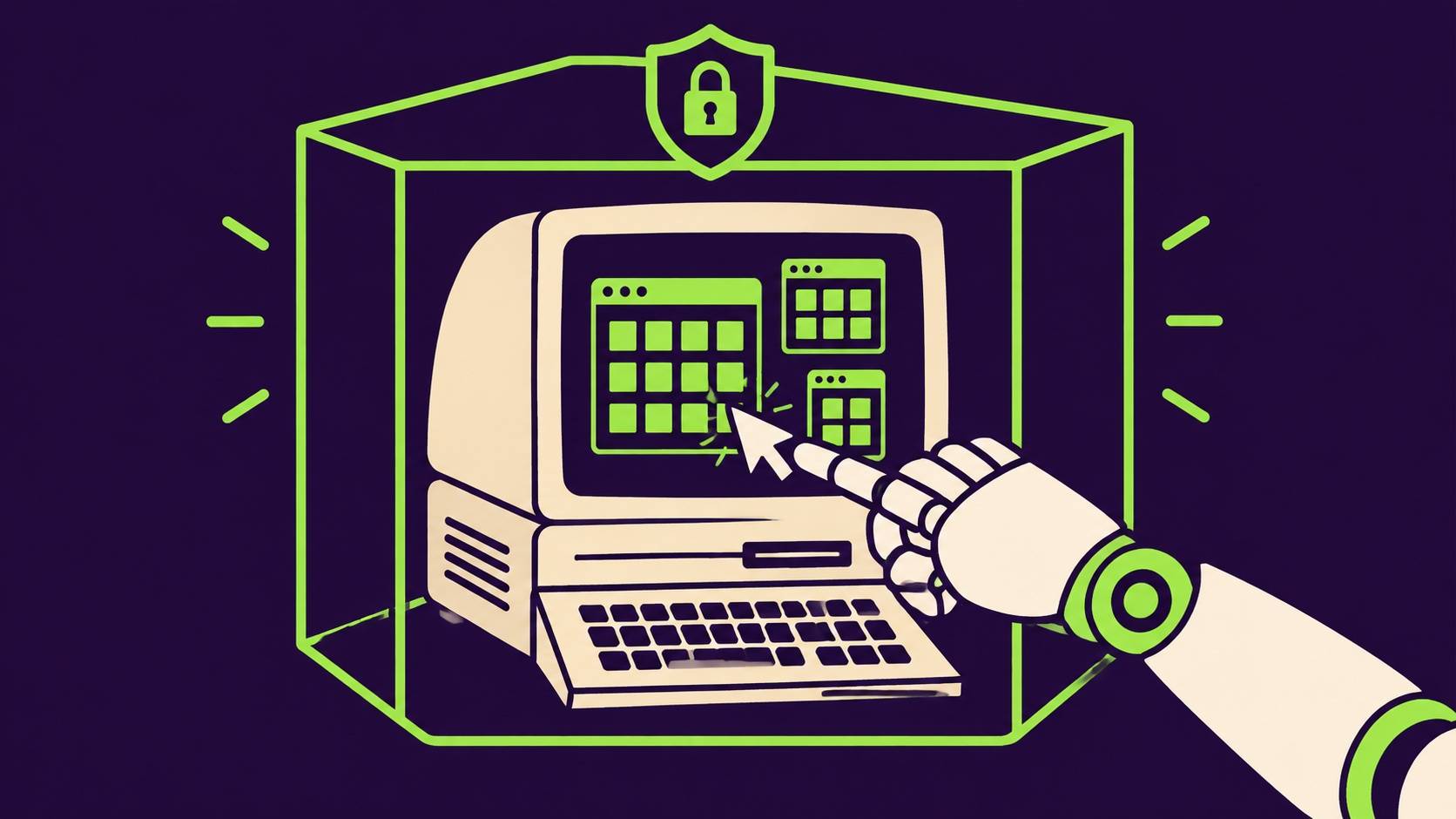
Table of Contents
The inventory system has been running for 15 years, there is no interface, and every order is re-keyed by hand. Computer-use agents promise to close exactly this gap: they see the screen, click and type like a person. The real question is not whether this works technically but when it is the right choice.
How capable are computer-use agents today?
The OSWorld benchmark tests agents on real desktop tasks in office apps, browsers, file management and the terminal. In the original paper, humans solved 72.36% of tasks and the best model at the time 12.24%. On the public OSWorld-Verified leaderboard, the best systems now score above that human baseline. That shows progress, but not how reliably an agent works in your screens with your edge cases. Benchmarks do not replace your own acceptance test.
A single task is not an end-to-end process
OSWorld 2.0 extends the evaluation to 108 longer tasks across 31 web environments and desktop applications. Partial progress (partial score) and full completion (binary score) are separate measures. One entry on project partner Snorkel AI’s leaderboard reports 44.33% full completion and 77.67% partial progress for Claude Opus 5 (max effort, Batch tool), with a 500-step budget; accessed 22 November 2026. These are results for that test configuration, not a success rate for all agents or a forecast for your ERP. They cannot be directly compared with OSWorld-Verified because tasks and scoring differ. In practice, a convincing individual action does not establish a reliable end-to-end process.
The three-tier rule
Before an agent operates a screen, ask for the most stable route:
- API, export or command line: is there an API, a data export, a database view or a script? That is almost always faster, cheaper and easier to audit.
- Classic UI automation (RPA): if the interface rarely changes and the flow is fixed, rule-based bots are predictable and easy to log.
- Computer-use agent in an isolated environment: only when flows vary, screens are cluttered or exceptions need judgement does the agent play to its strengths.
Many good solutions combine tiers: the agent reads an unstructured order email, and the actual booking happens via RPA or an export.
Security: the screen is an attack surface
An agent that reads screen content can be influenced by it. Anthropic's computer use tool documentation explicitly warns that instructions on web pages or in images can override commands and recommends a dedicated virtual machine with minimal privileges. We call this risk screen prompt injection.
Minimum safeguards in production:
- Dedicated VM or container with no access to email, password managers or unrelated network drives
- A technical user with exactly the rights the task needs, see non-human identity
- Human approval before bookings, payments or deletions
- Network access limited to the required addresses
- A log with screenshots of every step for traceability
More on hardening: computer-use sandboxing and our article on prompt injection in marketing agents.
When it pays off
A sourced usage example, not a blanket ROI promise
The Microsoft computer use documentation lists 5 Copilot Credits per step for a standard model and 15 for a premium model (accessed 22 November 2026). A step can include several clicks or inputs; it is not necessarily one click. Assuming 600 invoices with eight model steps each, consumption is 600 × 8 × 5 = 24,000 credits for the standard tier or 600 × 8 × 15 = 72,000 credits for the premium tier. This is our illustrative computer-use calculation, not a customer result or a euro-denominated offer. Other agent features, retries, infrastructure, setup and operations can add costs. Microsoft also states that CUA usage is not included in the Microsoft 365 Copilot user licence; credits can be billed through Copilot Studio or pay-as-you-go. Whether RPA is cheaper requires a comparison using the same workflow and volumes.
Credible savings figures depend on your volumes: how often does the task run, how long does it take, what does an error cost? You can run rough numbers in the ROI calculator. From a Creative Engineering perspective, start with one frequent task and measure error rate and handling time against today.
Next step
Pick a task that is currently transferred by hand between two systems and work through the three tiers from top to bottom. For a scoped trial with test data, describe your project in the agent pilot.
Sources: Xie et al.: OSWorld: Benchmarking Multimodal Agents for Open-Ended Tasks in Real Computer Environments; OSWorld project page; Anthropic: Computer use tool.
Frequently Asked Questions
What is "Computer-Use Agents vs. RPA: How Mid-Sized Companies Safely Automate Legacy Software Without an API" about?
Agents that operate screens look like the answer to the old ERP without an API. A three-tier rule shows when they fit and how to secure them.
How capable are computer-use agents today?
The OSWorld benchmark tests agents on real desktop tasks in office apps, browsers, file management and the terminal. In the original paper, humans solved 72.36% of tasks and the best model at the time 12.
A single task is not an end-to-end process: what matters?
OSWorld 2.0 extends the evaluation to 108 longer tasks across 31 web environments and desktop applications. Partial progress (partial score) and full completion (binary score) are separate measures.
The three-tier rule: what matters?
Before an agent operates a screen, ask for the most stable route: API, export or command line: is there an API, a data export, a database view or a script? That is almost always faster, cheaper and easier to audit.
Related Articles
You might also be interested in these posts
 Tools & Technology
Stateless MCP (2026-07-28 Specification): What Dropping Sessions Means for IT Architects
The 2026-07-28 MCP specification removes sessions and the handshake. What changes for load balancers, gateways and tool design, with a migration checklist.
 Tools & Technology
Agentic RAG: When Company Knowledge Needs More Than Vector Search
Classic RAG, GraphRAG or agentic RAG? A decision grid for brand and product knowledge, with checks for contradictions and sources.
 Tools & Technology
MCP in Production: Connecting Agents With Least Privilege
What the MCP specification covers for authorisation, what it leaves open, and a permissions matrix for agents in CMS, CRM and ad accounts.