MCP (Model Context Protocol): The USB-C for AI Agents
In short
The Model Context Protocol standardizes how AI agents communicate with tools. Learn why MCP is the most important infrastructure standard of the agent era.
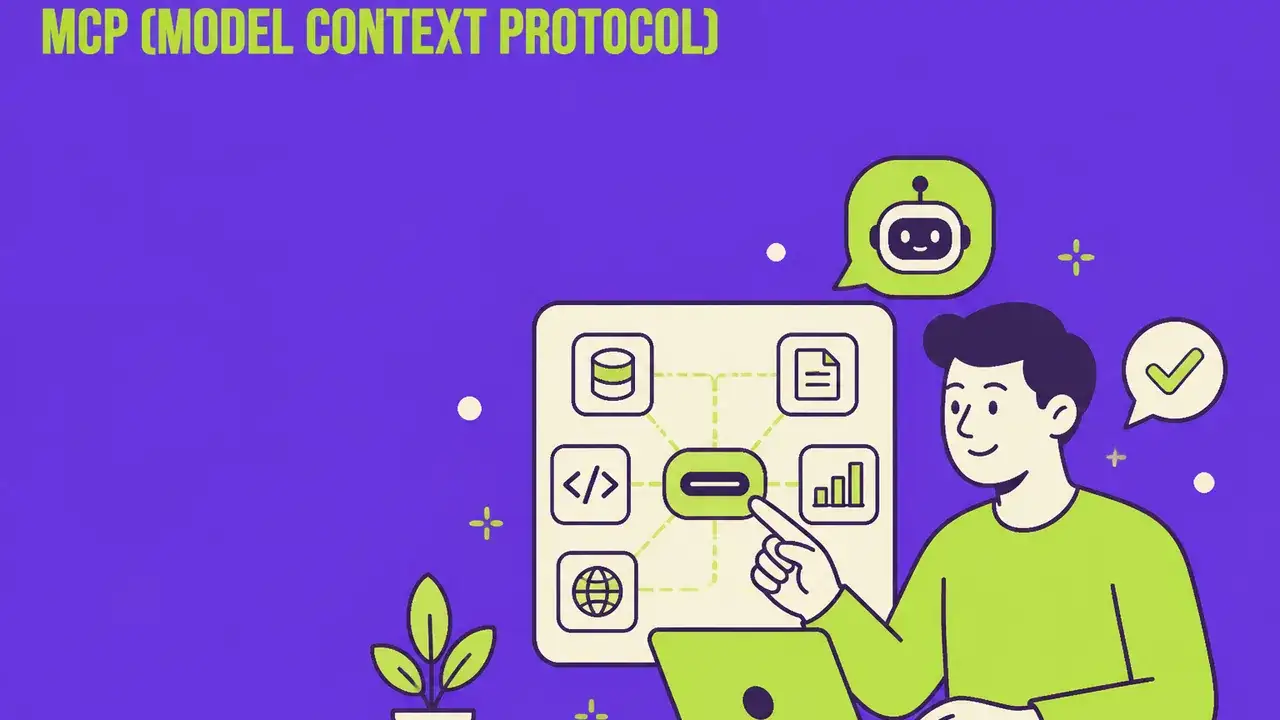
Table of Contents
What Is the Model Context Protocol?
Imagine every AI tool needed its own proprietary connector – like the pre-USB-C era when every device required a different charging cable. That's exactly how the AI world works today: Every integration is custom-built, every connection a one-off project. The Model Context Protocol (MCP) changes that.
MCP is an open standard, developed by Anthropic and now adopted by the entire industry. It defines how AI models communicate with external data sources, tools, and services – through a single, standardized interface. The USB-C comparison isn't exaggerated: MCP does for AI agents what USB-C did for hardware.
Why Do We Need MCP?
The problem is real and expensive:
| Without MCP | With MCP |
|---|---|
| Every AI tool integration is individually built | One standard for all integrations |
| N × M integrations needed (N tools × M models) | N + M integrations suffice |
| Weeks of development time per connection | Minutes to hours per connection |
| Proprietary, fragile interfaces | Stable, standardized protocols |
| Vendor lock-in with every tool | Interchangeability and flexibility |
A concrete example: A marketing team uses 15 different tools (CRM, Analytics, Content Management, Social Media, Email, etc.). Without MCP, every AI integration needs its own connection to each of these tools. With 3 AI models, that's 45 individual integrations. With MCP? 15 MCP servers (one per tool) + 3 MCP clients (one per model) = 18 components instead of 45.
How Does MCP Work?
MCP is based on a client-server architecture with three core components:
The Architecture
1. MCP Host (the AI Application) The application where the AI agent runs – e.g., a coding assistant, a marketing agent, or a chatbot. The host manages connections to MCP servers.
2. MCP Client (the Mediator) A protocol client within the host that handles communication with MCP servers. It translates AI model requests into standardized MCP calls.
3. MCP Server (the Tool Connection) Lightweight servers that provide specific tools or data sources. An MCP server can provide access to a database, CRM system, or API.
The Three Primitives
MCP defines three building blocks that a server can provide:
| Primitive | Description | Marketing Example |
|---|---|---|
| Tools | Actions the agent can perform | "Create a social media post" |
| Resources | Data the agent can read | "Read current campaign metrics" |
| Prompts | Templates for recurring tasks | "Generate a weekly report" |
The Communication Flow
- The user gives the AI agent a task
- The agent recognizes which tools it needs
- The MCP client queries the responsible MCP server
- The MCP server executes the action (e.g., fetching CRM data)
- Results flow back to the agent
- The agent processes the data and responds
Crucially: All of this happens through a standardized protocol. The agent doesn't need to know how the CRM works – only that an MCP server is available for it.
MCP in Marketing: Concrete Use Cases
1. The Integrated Marketing Agent
Imagine an AI agent accessing these tools via MCP:
- Google Analytics (MCP server): Real-time performance data
- HubSpot CRM (MCP server): Customer data and lead information
- Canva (MCP server): Automatic image generation
- Hootsuite (MCP server): Social media planning and posting
- Slack (MCP server): Team communication and reporting
The result: An agent that analyzes morning performance, identifies underperformers, creates new creatives, schedules optimized posts, and informs the team via Slack – all through standardized MCP connections.
2. Content Production at Scale
MCP enables a connected content pipeline:
- Trend Radar (MCP server): Identifies current topics
- Brand Guidelines (MCP server): Provides brand guidelines
- Asset Database (MCP server): Access to existing images and videos
- CMS (MCP server): Publishing and scheduling
- SEO Tool (MCP server): Real-time keyword optimization
3. Predictive Campaign Management
- Ad Platforms (MCP server): Google Ads, Meta Ads, LinkedIn Ads
- Attribution Tool (MCP server): Customer journey data
- Budget Tool (MCP server): Budget allocation and forecasting
- BI Dashboard (MCP server): Aggregated business intelligence
The agent continuously optimizes budget, targeting, and creatives across all platforms – based on real-time data from every source.
The MCP Ecosystem in 2026
Who Supports MCP?
Adoption is impressive. As of February 2026, supporters include:
AI Providers (as Hosts/Clients):
- Anthropic Claude (origin of the standard)
- OpenAI (integration in ChatGPT and API)
- Google (Gemini integration)
- Microsoft (Copilot Ecosystem)
- Cursor, Windsurf, Replit (coding tools)
Tool Providers (as MCP Servers):
- Salesforce, HubSpot (CRM)
- Notion, Confluence (knowledge management)
- Slack, Teams (communication)
- GitHub, GitLab (development)
- Google Workspace (productivity)
- Shopify (e-commerce)
In the AI Model Explorer, you can directly compare MCP compatibility across different AI models.
Open Source Ecosystem
A decisive advantage of MCP: It's open source. This means:
- Anyone can build MCP servers
- The community develops servers for niche tools
- No license costs, no vendor dependency
- Transparent security audits possible
On GitHub, there are already thousands of community servers for tools from Airtable to Zendesk.
MCP vs. Alternatives
MCP vs. Classic APIs
| Aspect | REST API | MCP |
|---|---|---|
| Designed for | Human-to-machine | Agent-to-tool |
| Discovery | Manual (read documentation) | Automatic (servers advertise capabilities) |
| Context | Stateless | Context-aware |
| Security | API keys per integration | Standardized permission system |
| Effort | Individual per integration | Implement once, use everywhere |
MCP vs. Function Calling
Function Calling (as with OpenAI or Google) defines which functions a model can call. MCP standardizes how these functions are provided and called. MCP and Function Calling complement each other – MCP is the transport layer, Function Calling the invocation logic.
MCP vs. LangChain Tools
LangChain offers a framework for tool integration but not a standardized protocol. MCP is framework-agnostic and works regardless of whether you use LangChain, LlamaIndex, or your own framework.
Implementing MCP for Marketing Teams
Step 1: Audit Your Tool Stack
Create an inventory:
- What marketing tools do you currently use?
- Which ones already have MCP servers?
- Which need custom servers?
- Where are the biggest integration pain points?
Step 2: Set Priorities
Quick Wins (immediately actionable):
Medium-term (3-6 months):
- Build custom MCP servers for proprietary tools
- Implement complex multi-tool workflows
- Conduct team trainings
Long-term (6-12 months):
- Fully agent-driven workflows
- Provide own MCP servers for clients
- Develop MCP-based products
Step 3: Security & Governance
MCP brings new security requirements:
- Least Privilege: Each MCP server gets only the minimum necessary permissions
- Audit Logging: All MCP calls are logged
- Human-in-the-Loop: Critical actions require human confirmation
- Data Classification: Sensitive data is protected via MCP policies
The Future: MCP and Agent-to-Agent Communication
MCP is primarily an agent-to-tool protocol today. But the next evolution is foreseeable: Agent-to-Agent communication via MCP.
Imagine:
- Your marketing agent communicates directly with a partner's sales agent
- Content agents automatically coordinate with distribution agents
- Analytics agents exchange benchmarks with industry agents
The combination of MCP with protocols like A2A (Agent-to-Agent) creates an ecosystem where agents don't just use tools but collaborate with each other.
From Tool-Use to Tool-Ecosystem
The vision for 2027:
| Phase | Status | Description |
|---|---|---|
| Phase 1 | ✅ Today | Agent uses individual tools via MCP |
| Phase 2 | 🔄 In development | Agent orchestrates multiple tools simultaneously |
| Phase 3 | 🔮 2027 | Agents communicate with each other via MCP |
| Phase 4 | 🔮 2028+ | Autonomous agent ecosystems with MCP backbone |
Practical Checklist: MCP Readiness
This Week
- Inventory: What tools does your marketing team use?
- Research: Which MCP servers exist for these tools?
- Test: Install an MCP client (e.g., Claude Desktop) and connect a tool
- Team: Brief your team about MCP as an emerging standard
This Month
- Pilot: Implement a first MCP-based workflow
- Evaluate: Measure time savings vs. manual integration
- Security: Define MCP governance guidelines
- Roadmap: Create an MCP adoption plan for Q2/Q3
This Quarter
- Scale: Connect 5+ tools via MCP
- Custom: Build a first custom MCP server
- Automate: Implement at least 3 agent-driven workflows
- Measure: Document ROI and efficiency gains
Conclusion: MCP Is Inevitable
The Model Context Protocol isn't just another technical protocol. It's the infrastructure that transforms AI agents from isolated chatbots into connected team members. For marketing teams, this means: Those who understand and adopt MCP early have a structural advantage.
The USB-C analogy is apt: Initially, many dismissed USB-C. Today, nobody can imagine a world without it. MCP will follow the same path – only faster.
Your next step: Check the AI Model Explorer to see which AI models already support MCP. Then identify your first pilot project: A repetitive workflow that currently manually connects multiple tools. That's your MCP starting point. Also read how Agentic AI is revolutionizing autonomous marketing workflows with MCP and A2A, how A2A eCommerce represents the next level of agent communication in commerce, how Context Engineering represents the meta-competency for world-class AI results, how Claude Skills establish Execution Design as the successor to prompt engineering, and compare the best automation platforms in our guide n8n vs. Claude Code vs. Zapier vs. Make.
USB-C unified the hardware world. MCP will unify the agent world. The question isn't whether, but how fast you'll be part of it.
Frequently Asked Questions
What is "MCP (Model Context Protocol): The USB-C for AI Agents" about?
The Model Context Protocol standardizes how AI agents communicate with tools. Learn why MCP is the most important infrastructure standard of the agent era.
What Is the Model Context Protocol?
Imagine every AI tool needed its own proprietary connector – like the pre-USB-C era when every device required a different charging cable. That's exactly how the AI world works today: Every integration is custom-built, every connection a one-off project.
Why Do We Need MCP?
The problem is real and expensive: A concrete example: A marketing team uses 15 different tools (CRM, Analytics, Content Management, Social Media, Email, etc.).
The Communication Flow: what matters?
The user gives the AI agent a task The agent recognizes which tools it needs The MCP client queries the responsible MCP server The MCP server executes the action (e.
Related Articles
You might also be interested in these posts
 Tools & Technology
Agentic Ad Buying via MCP: Governance Before Speed
X's advertiser MCP and Agentforce let agents buy media directly. Budget caps, approval thresholds, prompt-injection defence and incrementality — the practical frame.
 Tools & Technology
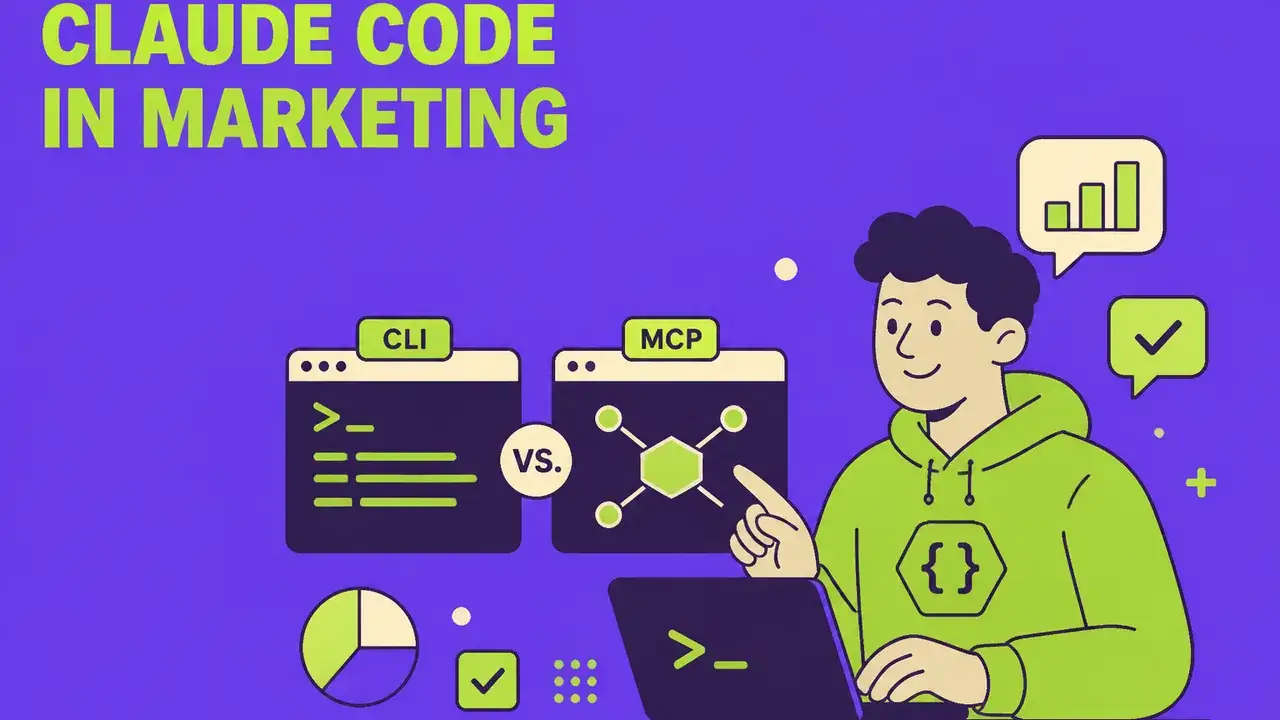
Claude Code in Marketing: CLI vs. MCP — and Why the Answer Is "Both"
Claude Code as CLI or via Model Context Protocol? When each tool wins, how marketing teams combine both — with decision matrix, 10 use cases, and realistic cost analysis.
 Tools & Technology
Grok Bot: xAI's AI Teammates With Their Own Computer
In beta since 11 August 2026: bots with their own cloud computer sign in to your tools and finish tasks. What that means for marketing, permissions and Grokipedia.