Claude Code in Marketing: CLI vs. MCP — and Why the Answer Is "Both"
In short
Claude Code as CLI or via Model Context Protocol? When each tool wins, how marketing teams combine both — with decision matrix, 10 use cases, and realistic cost analysis.
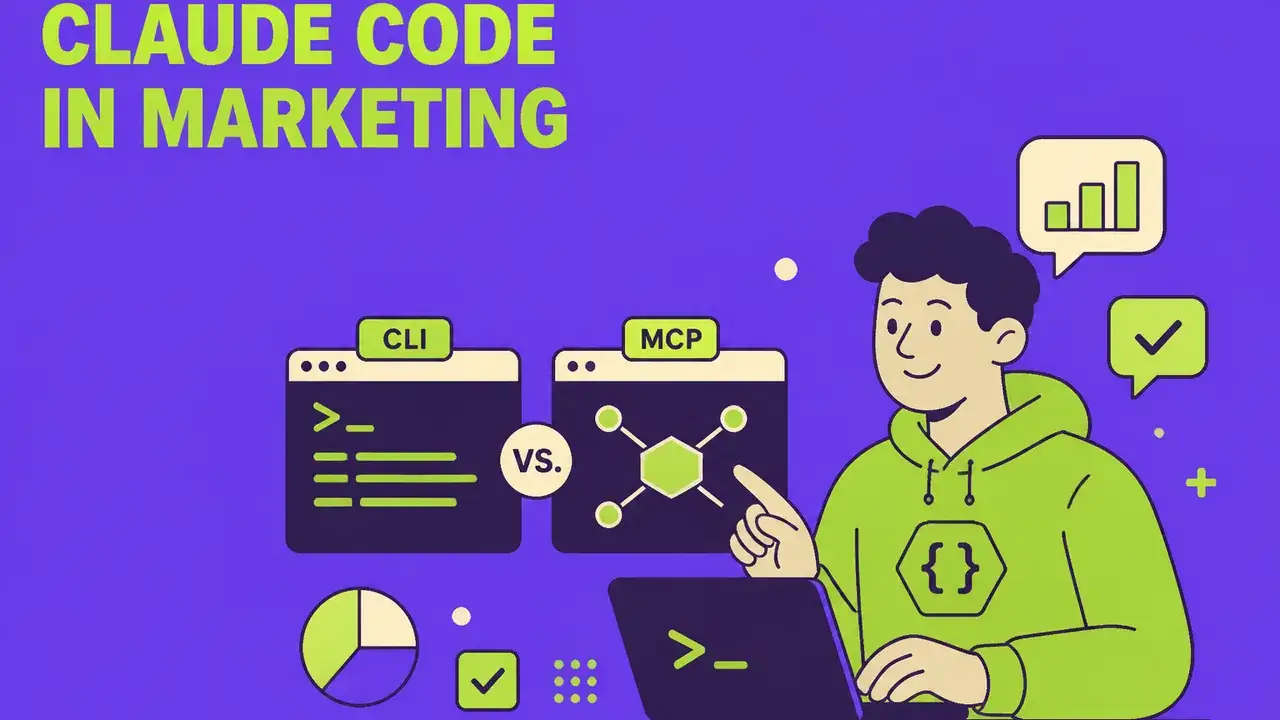
Table of Contents
Claude Code in Marketing: CLI or MCP — and Why the Answer Is "Both"
In 2026, Claude Code has evolved from a developer tool into a strategic marketing asset. But anyone getting started faces a fundamental question: do you use the CLI (Command-Line Interface) for direct, scriptable workflows — or do you connect Claude via the MCP (Model Context Protocol) to your marketing systems?
The short answer: both have their place — and the real leverage emerges in combination. This article explains when CLI makes more sense, when MCP wins, and how marketing teams can productively use both tools.
The Two Worlds of Claude Code
Claude Code CLI: The Power User's Door
The CLI is Claude's direct interface in the terminal. You install it once (npm install -g @anthropic-ai/claude-code), authenticate, and then work locally with full control over files, commands, and workflows.
Strengths:
- Full filesystem control: Claude reads, writes, and refactors files directly
- Scriptable: Combinable with Bash, Git, CI/CD pipelines
- Fast iteration: No tool-switching, no context loss
- Local data: Sensitive content only leaves the machine in controlled ways
Weaknesses:
- Setup hurdle: Terminal affinity required
- Isolated: No native connection to CRM, CMS, analytics
- Not team-ready: Each session is single-seat
MCP: The Integration Door
The Model Context Protocol — Anthropic's open standard introduced in 2024 and now an industry default in 2026 — connects Claude via standardized servers to external tools. Instead of explaining where data lives every time, Claude "speaks" natively via MCP with Notion, HubSpot, Google Analytics, Figma, or your own databases.
Strengths:
- Tool-agnostic: One MCP server per tool, then reusable in any Claude surface
- Team-scalable: Configured once, usable by everyone
- Real-time context: Live data from the marketing stack
- Secure: Per-server permissions, OAuth flows, audit logs
Weaknesses:
- More complex setup: Server hosting or connector configuration
- Latency: Each tool call is a network roundtrip
- Dependency: If the MCP server falls, the workflow falls
The analogy: CLI is your own toolbox in your workshop. MCP is the key to the warehouse with all your company's machines.
CLI vs. MCP: The Decision Matrix
| Criterion | Claude Code CLI | MCP Integration |
|---|---|---|
| Setup time | 5 minutes | 1–4 hours per tool |
| Learning curve | Medium (terminal) | Low (chat UI) |
| Data security | Local, maximum control | Configurable per server |
| Team usage | Single-seat | Multi-user |
| Tool connection | Manual via scripts | Native connectors |
| Automation | CI/CD, cron, bash | Triggers via tools themselves |
| Best use case | Content generation, code, local workflows | CRM updates, reporting, cross-tool orchestration |
| Cost | API calls + Anthropic plan | API calls + hosting if needed |
CLI as a Marketing Tool: 5 Concrete Use Cases
The CLI is unfairly dismissed as "just for developers." In marketing teams, it unfolds its power exactly where content needs to be versioned, batch-processed, and reproducibly produced.
1. Bulk Content Localization
A marketing team with 200 product descriptions has Claude Code translate all texts into 6 languages in a single script, with brand voice consistency from a STYLE.md file. Result: what used to be two weeks at a translation agency runs in 30 minutes locally.
2. SEO Audit Across the Entire Repository
claude "Analyze all .md files in /content for missing meta descriptions, thin content under 800 words, and propose H2 structures. Write results to seo-audit.csv."
One command, complete audit, exportable result.
3. Newsletter Automation from Markdown
Marketing team maintains newsletter content as Markdown in Git. Claude Code renders it to HTML via CLI, checks links, generates plaintext fallbacks, and pushes via API to Resend or Mailchimp.
4. Competitor Tracking via Scraping Scripts
Claude generates Python scripts that scrape competitor pricing weekly, save to CSV, and trigger Slack notifications on changes — all local, no SaaS subscription needed.
5. Brand Voice Linter for Every Pull Request
Built into CI/CD, Claude Code checks every new blog draft against brand guidelines, flags violations, and suggests corrections — before content goes live.
MCP as a Marketing Tool: 5 Concrete Use Cases
MCP unfolds its power when Claude thinks inside the existing marketing stack — not next to it.
1. HubSpot/CRM-Native Lead Scoring
With the HubSpot MCP server, the CMO asks directly in chat: "Show me all enterprise leads from DACH in the last 14 days with budget over 50k, sorted by engagement score." Claude accesses live, filters, presents. No reports, no BI tools.
2. Notion as a Marketing Knowledge Base
Marketing teams document campaigns, personas, and briefings in Notion. Via the Notion MCP server, Claude answers questions like: "Which persona fits our new B2B SaaS launch in April?" — based on live, current Notion content.
3. Google Analytics + Looker Studio Reporting
Instead of manually building dashboards, Claude generates a narrative weekly performance report via GA4 MCP: "Conversions rose 12% from the LinkedIn campaign, but the bounce rate on /pricing is alarming."
4. Figma-to-Content Pipeline
Designers work in Figma, marketing writes copy. With Figma MCP, Claude pulls layout structures directly from the file and generates matching microcopy — no copy-paste, no version conflicts.
5. Atlassian + Marketing Backlog
Via the Atlassian MCP connector, Claude can create Jira tickets as campaign tasks, search Confluence briefings, and prepare status updates for weekly meetings — all from the same chat window.
The Hybrid Strategy: When CLI, When MCP, When Both
Successful marketing teams in 2026 use both tools in parallel — but for different task types.
Rules of Thumb
Use CLI when:
- Content is versioned in Git
- Bulk operations across many files are needed
- Data must stay local (GDPR, NDA, sensitive briefings)
- Workflows are embedded in CI/CD
- Power users want full control
Use MCP when:
- Live data from SaaS tools is required
- Multiple team members use the same workflow
- Cross-tool orchestration is needed (e.g., CRM → CMS → analytics)
- Non-technical users should participate
- Audit trails and permissions matter
Combine both when:
- Content is generated locally in the CLI but pushed via MCP to CMS/CRM
- MCP data serves as input for CLI scripts (e.g., lead list → personalized emails)
- Strategic reports are created in CLI, then documented via MCP in Notion/Confluence
The Typical 2026 Marketing Stack
A realistic example setup for a marketing team of 10 people:
| Layer | Tool | Function |
|---|---|---|
| Local power workflows | Claude Code CLI | Content bulk ops, SEO audits, brand linter |
| Team chat layer | Claude.ai with MCP | Daily work, research, reporting |
| Data integration | MCP servers for HubSpot, Notion, GA4, Figma | Live context from tools |
| Automation | Claude Code in CI/CD + n8n with MCP | Trigger-based workflows |
| Governance | MCP permissions + local CLI logs | Audit, GDPR, security |
Economics: What Does the Dual Strategy Cost?
A marketing team with Claude Pro ($20/user/month × 10 = $200) plus Claude API for CLI workloads (~$300/month at moderate use) plus self-hosted MCP servers (€50/month server costs) lands at around €600/month for a fully integrated setup.
Comparison: a single marketing automation platform like HubSpot Marketing Hub Professional costs €890/month — and doesn't replace creative content production, only distribution.
The Most Common Mistakes When Starting
- Using only CLI because it feels more technical — wastes team scaling
- Using only MCP because it's easier — wastes bulk power and local security
- Using both in parallel without clear task division — leads to tool chaos
- Building MCP servers yourself instead of using official ones — creates maintenance burden without need
- Not versioning CLI workflows — loss of repeatable processes
- Setting permissions too generously — GDPR risk on MCP connections
Conclusion: The Question Isn't "Whether" — It's "How"
Claude Code as CLI and MCP integrations are not competing tools but complementary layers. Marketing teams that want to remain competitive in 2026 use the CLI for deep, local, reproducible workflows — and MCP for integration into the existing stack.
The real strategic leverage isn't in the choice of tool but in the conscious separation of task types: bulk and local → CLI. Live and cross-tool → MCP. And where both interlock, the actual productivity leap emerges.
Anyone who has understood this no longer has an "AI stack" — they have an AI-native marketing operations layer.
Frequently Asked Questions
What is "Claude Code in Marketing: CLI vs. MCP — and Why the Answer Is "Both"" about?
Claude Code as CLI or via Model Context Protocol? When each tool wins, how marketing teams combine both — with decision matrix, 10 use cases, and realistic cost analysis.
Claude Code in Marketing: CLI or MCP — and Why the Answer Is "Both": what matters?
In 2026, Claude Code has evolved from a developer tool into a strategic marketing asset. But anyone getting started faces a fundamental question: do you use the CLI (Command-Line Interface) for direct, scriptable workflows — or do you connect Claude via the MCP (Model Context Protocol) to your marketing systems?
Claude Code CLI: The Power User's Door: what matters?
The CLI is Claude's direct interface in the terminal. You install it once (), authenticate, and then work locally with full control over files, commands, and workflows.
MCP: The Integration Door: what matters?
The Model Context Protocol — Anthropic's open standard introduced in 2024 and now an industry default in 2026 — connects Claude via standardized servers to external tools.
Related Articles
You might also be interested in these posts
 Tools & Technology
Claude Cowork in Marketing: 7 Use Cases for the Desktop AI Agent
Anthropic's Claude Cowork brings AI directly to the desktop. We show 7 concrete marketing use cases, compare with alternatives, and explain where Cowork shines – and where specialized tools are better.
 Tools & Technology
MCP (Model Context Protocol): The USB-C for AI Agents
The Model Context Protocol standardizes how AI agents communicate with tools. Learn why MCP is the most important infrastructure standard of the agent era.
 Tools & Technology
n8n vs. Claude Code vs. Zapier vs. Make: Workflow Automation for Marketing Teams 2026
No-code, low-code, or AI-native? The ultimate comparison of leading automation platforms – with decision matrix, price comparison, and hybrid stack recommendation.