Visual AI QA: Actually Testing Campaign Pages
In short
Browser AI can find presentation failures. An acceptance plan for mobile campaign pages, forms, errors and confirmed enquiries.
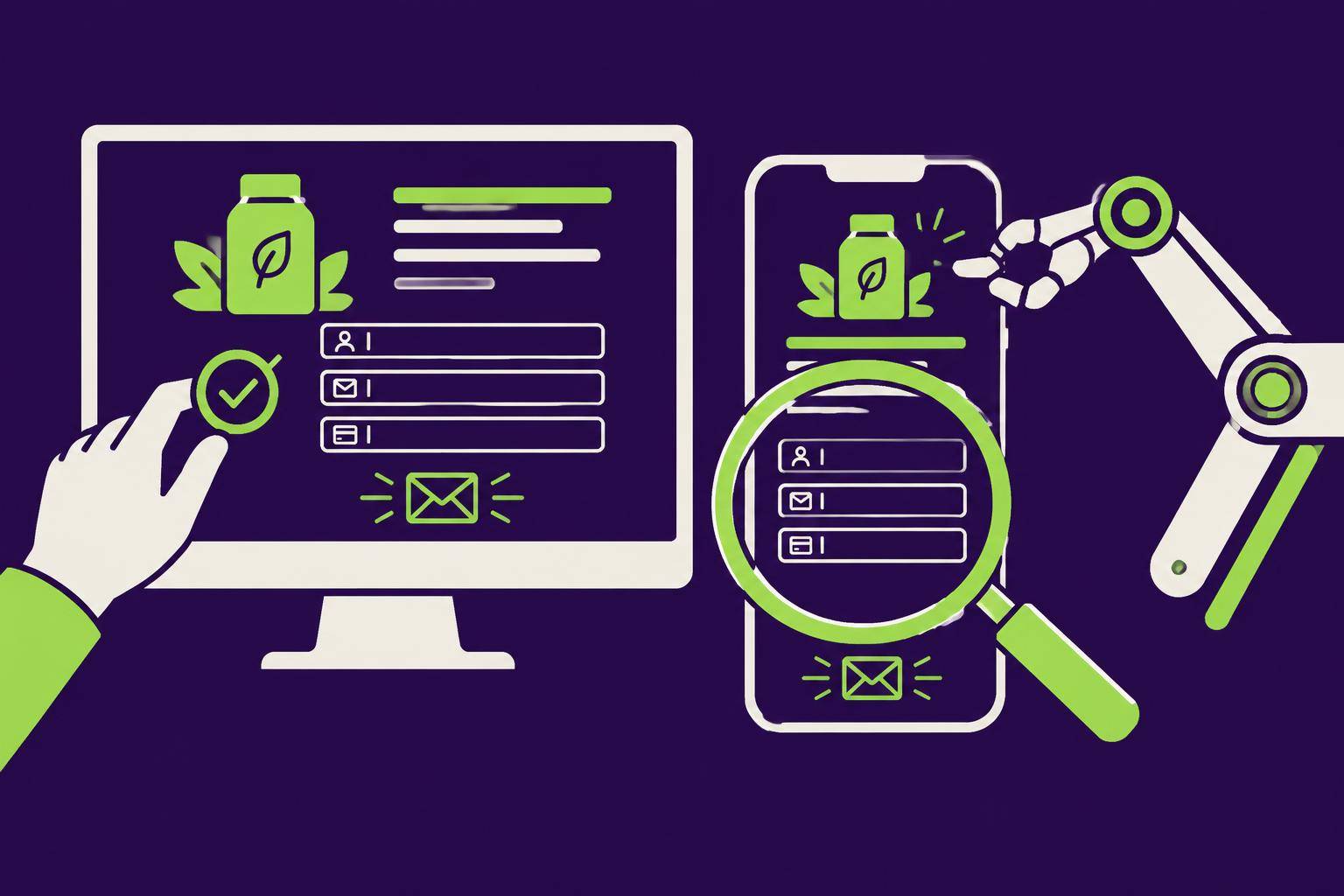
Table of Contents
A campaign page looks good in the design file. On a phone, a button may disappear, the keyboard may cover a field or an enquiry may vanish after submission. A screenshot of the first view does not test a working enquiry journey. Visual AI QA must combine interaction with outcome.
What the Greptile report shows
An OpenAI customer report published on 26 October 2026 describes Greptile using Computer Use to inspect an application and reduce the browser viewport to an iPhone-like size. One example involves a disappearing button. This is a vendor-published use case, not an independent reliability study. A small viewport is not a test on a physical iPhone.
Our contribution is an acceptance plan for the whole campaign journey. AI can assist discovery; creative judgement and delivery verification remain accountable team responsibilities.
A fictional acceptance assignment
A B2B campaign leads to an offer and enquiry form. The visitor should understand the offer, describe a project, confirm privacy consent and receive a clear result. This is a fictional exercise. Use approved test records, not real customer data or uncontrolled repeated submissions.
Check from entry to outcome
| Stage | Visual check | Functional check |
|---|---|---|
| Entry | Offer, image and heading readable | Correct language and destination |
| Orientation | Next step unobscured | Correct form opens |
| Input | Labels, long names and mobile keyboard | Required fields and valid data |
| Error | Clear feedback near the relevant field | Invalid submission is not stored |
| Submit | Stable pending state | Retry does not silently duplicate enquiries |
| Confirmation | Explicit success or failure | Stored enquiry and agreed notification |
| Return | No unexpected loss of input | Predictable back-navigation state |
Agree whether a test may create a real record and how to label it. Success requires the result to be retrievable through the intended process. A green message alone does not prove delivery.
Four states rather than just mobile and desktop
Normal task: valid input, correct language and a meaningful confirmation.
Incomplete input: clear errors, preserved entries and reachable feedback for keyboard and screenreader users.
Long content: large text, long company names and multiline offer headings must not obscure or destabilise the form.
Slow or failed connection: show whether work is pending. Retry must not silently create duplicates; failure must not be presented as success.
Browser automation and AI have different roles
Deterministic browser tests suit known steps and explicit expectations. An AI-driven browser may explore unfamiliar paths and identify additional issues. Neither replaces human judgement about brand effect, relevance and clear offer communication.
Avoid “check that everything looks good”. Specify tasks, expected outcomes and boundaries. Record browser, viewport, test input, URL and observed state. Screenshots support diagnosis but do not prove storage.
Physical devices and accessibility remain distinct
Responsive browser views find many layout problems, not every device-specific issue. Browsers, virtual keyboards and native controls may differ. Test important mobile journeys on real devices too. Keyboard operation, contrast, names and status messages need dedicated checks; no AI findings is not proof of accessibility.
Existing behaviour is not automatically correct
During a relaunch, Characterization Testing can record current behaviour and detect unintended changes. It can also preserve an old bug. Track known defects and intended improvements separately from behavioural equivalence.
Creative Engineering through delivery
A creative idea does not end at asset export. The chain includes a visible, usable and confirmed contact journey. Check the images and copy, but also the action they should enable. The central acceptance statement is simple: a real visitor can submit a project and the responsible team can retrieve the enquiry.
Sources and context
As of 4 November 2026. Product claims describe vendor statements, not independent evidence of outcomes. The working templates and recommendations are our editorial contribution.
Further reading and next step
Want to review a bounded workflow with us? Describe your project in the Content-Pilot. Scope, timing and pricing are agreed after the initial conversation.
Frequently Asked Questions
What is "Visual AI QA: Actually Testing Campaign Pages" about?
Browser AI can find presentation failures. An acceptance plan for mobile campaign pages, forms, errors and confirmed enquiries.
What the Greptile report shows: what matters?
An OpenAI customer report published on 26 October 2026 describes Greptile using Computer Use to inspect an application and reduce the browser viewport to an iPhone-like size.
A fictional acceptance assignment: what matters?
A B2B campaign leads to an offer and enquiry form. The visitor should understand the offer, describe a project, confirm privacy consent and receive a clear result.
Check from entry to outcome: what matters?
Agree whether a test may create a real record and how to label it. Success requires the result to be retrievable through the intended process. A green message alone does not prove delivery.
Related Articles
You might also be interested in these posts
 Tools & Technology
A2UI: Agent Interfaces With Brand Rules
How A2UI describes interfaces from approved components. A product-finder example with brand rules, error states and acceptance checks.
 Tools & Technology
Figma Make vs. Lovable: Design Prototype or Full-Stack App – Which Tool Fits?
Figma Make transforms designs into interactive prototypes, Lovable builds complete apps with backend. We compare both tools, show use cases, and the ideal combined workflow for marketing teams.
 Tools & Technology
Figma × Claude Code: The New Design-to-Code Roundtrip for Marketing Teams
Figma has introduced "Claude Code to Figma", an integration that transforms code prototypes into editable designs—and back via MCP Server. We show the workflow, benefits, and best practices for marketing teams.
AI solutions by Davies Meyer
From an application to the right delivery
Good AI applications need brand knowledge, a clear idea and the right execution. Davies Meyer brings strategy, creativity, content production and technology together. Creative Engineering is our method for making that collaboration repeatable.
We take responsibility for the concept and quality.