Figma Make vs. Lovable: Design Prototype or Full-Stack App – Which Tool Fits?
In short
Figma Make transforms designs into interactive prototypes, Lovable builds complete apps with backend. We compare both tools, show use cases, and the ideal combined workflow for marketing teams.
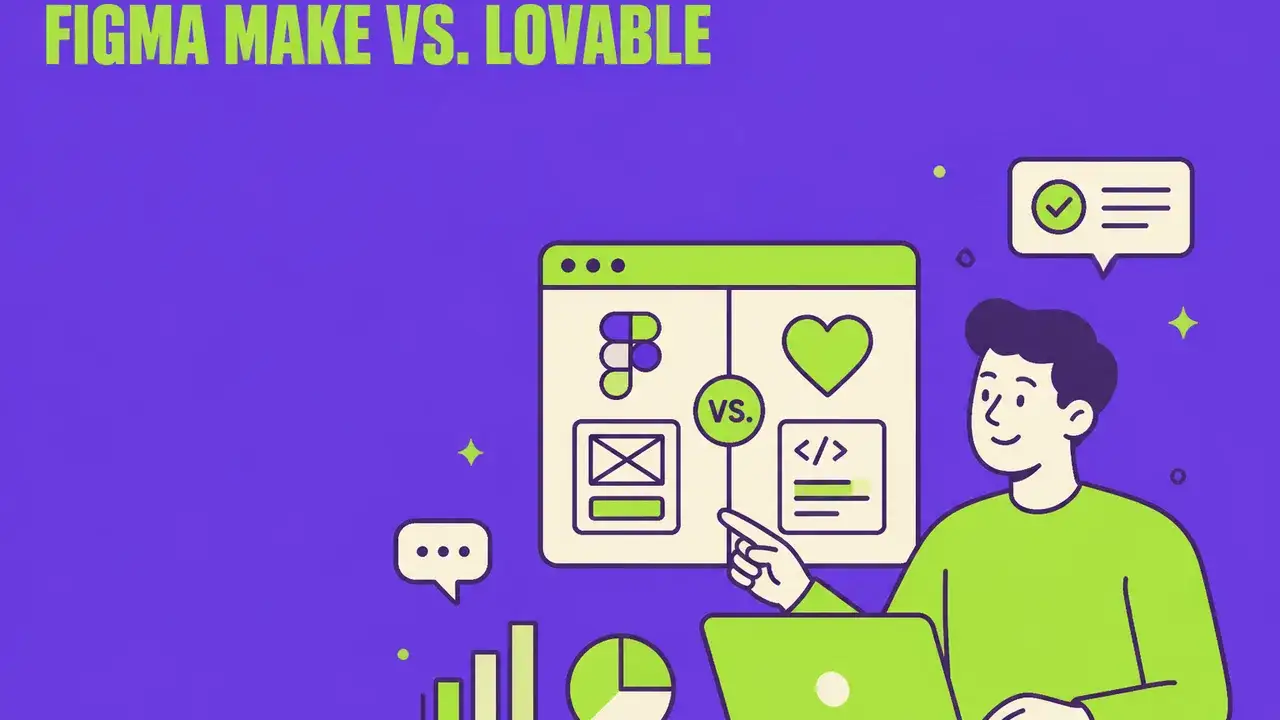
Table of Contents
Figma Make vs. Lovable: Two Paths from Design to App – and Which One Fits Your Needs
In early 2026, Figma introduced Figma Make, a feature that got the industry's attention: an AI-powered app builder directly within Figma that generates functioning prototypes from designs. Meanwhile, Lovable has established itself as a leading platform that builds complete web applications from natural language – with backend, database, and authentication.
Both tools promise to bridge the gap between design and code. But they do it in fundamentally different ways. This article analyzes both approaches, compares strengths and weaknesses, and shows which tool is the better choice for which use case.
What is Figma Make?
Figma Make is an AI feature within Figma that transforms designs into interactive, functioning prototypes. It leverages existing Figma infrastructure and extends it with code generation.
Core Features:
- Design-to-Code: Transforms Figma designs into React-based prototypes
- AI-powered Prompting: Natural language to describe desired functionality
- Figma-native: Works directly in the familiar Figma interface
- Prototyping Focus: Optimized for quick, visual prototypes
- Asset Integration: Leverages existing Figma components and design systems
Strengths:
- Seamless integration into existing Figma workflows
- Designers stay in their familiar environment
- Pixel-perfect implementation of designs
- Ideal for design teams wanting to validate prototypes
Limitations:
- No backend – no database, no authentication
- Prototypes are not directly deployable as production apps
- Limited to the Figma ecosystem
- No server-side logic or API integrations
What is Lovable?
Lovable is an AI-powered full-stack development platform that generates complete web applications from natural language – including frontend, backend, database, and deployment.
Core Features:
- Prompt-to-App: Describe what you need in natural language – Lovable builds the app
- Full-Stack: React frontend, PostgreSQL database, Edge Functions, Auth
- Lovable Cloud: Integrated backend without separate setup
- 1-Click Deployment: Instantly live with custom domain
- Real-time Preview: Changes are immediately visible
- Figma Import: Designs from Figma can be imported as a starting point
Strengths:
- Complete, deployable applications – not just prototypes
- Backend functionality out-of-the-box (database, auth, APIs)
- Ideal for marketing teams needing functional tools quickly
- No separate hosting or backend setup needed
- Iterative work with AI chat
Limitations:
- No integrated design tool (but Figma import is possible)
- Focus on web applications (no native mobile)
- Learning curve for complex backend logic
Head-to-Head Comparison
| Criteria | Figma Make | Lovable |
|---|---|---|
| Primary Approach | Design → Prototype | Prompt → Full-Stack App |
| Input | Figma designs + prompts | Natural language + optional Figma import |
| Output | Interactive prototype | Deployable web application |
| Backend | ❌ No | ✅ PostgreSQL, Auth, Edge Functions |
| Database | ❌ No | ✅ Integrated |
| Authentication | ❌ No | ✅ Integrated (email, social login) |
| Deployment | ❌ Not directly | ✅ 1-click with custom domain |
| Design Fidelity | ⭐⭐⭐⭐⭐ Pixel-perfect | ⭐⭐⭐⭐ Very good |
| For Designers | ⭐⭐⭐⭐⭐ Native | ⭐⭐⭐ Well usable |
| For Marketers | ⭐⭐⭐ Prototyping | ⭐⭐⭐⭐⭐ Full-stack tools |
| Learning Curve | Low (Figma users) | Low (natural language) |
| Pricing | Part of Figma plan | Separate pricing |
Use Case Scenarios: When to Use Which Tool?
Scenario 1: Design Validation & Stakeholder Presentation
→ Figma Make
You've created a new landing page design in Figma and want to show it interactively to the board. Figma Make transforms your design into a clickable prototype that looks like the final website – without writing a single line of code.
Example: A brand relaunch concept is presented as an interactive prototype. Stakeholders can navigate through the page, experience animations, and provide informed feedback.
Scenario 2: Functional ROI Calculator for the Website
→ Lovable
The marketing team needs an ROI calculator that stores user data, sends results via email, and captures leads in a database. This requires a real backend.
Example: An interactive ROI calculator with lead capture form, email sending, and admin dashboard – built and deployed in just a few hours.
Scenario 3: Rapid Prototyping for User Testing
→ Figma Make
The UX team wants to test three different onboarding flows. Figma Make quickly generates interactive prototypes that can be used in user testing.
Scenario 4: Internal Marketing Tools
→ Lovable
The team needs a dashboard for tracking campaign performance, a content management tool, or an internal chatbot. These tools require database, auth, and backend logic.
Scenario 5: Design System Showcase
→ Figma Make
A design team wants to present their component library interactively. Figma Make transforms Figma components into a navigable, functioning demo.
Scenario 6: Customer-Facing SaaS Features
→ Lovable
An AI Readiness Quiz, an interactive assessment tool, or a self-service portal – all features that require real user interactions, data storage, and often authentication.
The Combination: Figma Make + Lovable
The most exciting insight: Both tools complement each other perfectly.
The Ideal Workflow:
- Design in Figma: Create the visual concept in Figma
- Validate with Figma Make: Generate an interactive prototype for stakeholder feedback
- Build with Lovable: Import the design into Lovable and build the complete app with backend
- Deploy: 1-click deployment via Lovable
This workflow combines Figma's design strength with Lovable's full-stack power. Designers work in their preferred environment, and the final app has all needed backend features.
Practical Example: Landing Page with Lead Capture
- Figma: Designer creates a responsive landing page design with all variants
- Figma Make: Prototype is generated and reviewed by the team – feedback is incorporated
- Lovable: The final design is imported, a contact form with database connection is added, newsletter signup is integrated, and the page is deployed
- Result: Pixel-perfect design + functioning backend in a fraction of the usual time
Cost Comparison
Figma Make
- Included in Figma plans (starting at ~$15/month per editor)
- No additional hosting costs (prototypes, no production hosting)
- Ideal for teams already using Figma
Lovable
- Separate pricing model with different tiers
- Including hosting and backend infrastructure
- For production-ready applications
TCO Consideration
When the goal is a deployable app, Lovable saves significant costs:
- Without Lovable: Design (Figma) + Development (freelancer/agency) + Hosting + Backend = $$$$
- With Lovable: Design (Figma) + Build & Deploy (Lovable) = $$
For Marketing Teams: The Recommendation
Use Figma Make when you:
- Want to validate designs before investing
- Need interactive prototypes for presentations
- Want to conduct user tests with design variants
- Want to build a design system showcase
Use Lovable when you:
- Need functional tools and landing pages
- Need lead capture, forms, and database connections
- Want to quickly deploy MVP applications for campaigns
- Need to build internal tools without developer resources
- Need an AI-powered chatbot or calculator
Use both together when you:
- Need pixel-perfect designs AND full-stack functionality
- Want a professional design-to-production workflow
- Need to convince stakeholders first and then implement quickly
Conclusion: It's Not Either/Or
Figma Make and Lovable are not competitors – they are complementary tools for different phases of the product development process.
Figma Make shines where design fidelity and prototyping are the priority. It's the perfect tool for designers who want to bring their designs to life without leaving the Figma environment.
Lovable takes over where things get serious: When a prototype needs to become a real application, with database, authentication, email sending, and production-ready deployment.
The future belongs to teams that strategically use both tools – and thereby multiply the speed of their implementation.
Tip: Start with a Figma design, validate with Figma Make, and build the final app with Lovable. This way you achieve design excellence AND technical functionality – in a fraction of the time.
Frequently Asked Questions
What is "Figma Make vs. Lovable: Design Prototype or Full-Stack App – Which Tool Fits" about?
Figma Make transforms designs into interactive prototypes, Lovable builds complete apps with backend. We compare both tools, show use cases, and the ideal combined workflow for marketing teams.
Figma Make vs. Lovable: Two Paths from Design to App – and Which One Fits Your Needs: what matters?
In early 2026, Figma introduced Figma Make, a feature that got the industry's attention: an AI-powered app builder directly within Figma that generates functioning prototypes from designs.
What is Figma Make?
Figma Make is an AI feature within Figma that transforms designs into interactive, functioning prototypes. It leverages existing Figma infrastructure and extends it with code generation.
Core Features: what matters?
Design-to-Code: Transforms Figma designs into React-based prototypes AI-powered Prompting: Natural language to describe desired functionality Figma-native: Works directly in the familiar Figma interface Prototyping Focus: Optimized for quick, visual prototypes Asset Integration: Leverages existing Figma components and design systems
Related Articles
You might also be interested in these posts
 Tools & Technology
Lovable vs. Claude Code vs. Firebase Studio: AI Coding Tools Compared 2026
Lovable, Claude Code, Firebase Studio, Bolt.new, Replit and Cursor – six AI coding tools in a deep comparison. Similarities, differences and which tool is ideal for which use case.
 Tools & Technology
Figma × Claude Code: The New Design-to-Code Roundtrip for Marketing Teams
Figma has introduced "Claude Code to Figma", an integration that transforms code prototypes into editable designs—and back via MCP Server. We show the workflow, benefits, and best practices for marketing teams.
 Trends & Insights
Vibe Coding: How AI Is Democratizing Software Development
Vibe Coding is changing who can build software. Learn what this trend means for marketing teams, which tools exist, and how to create your own tools via prompt.