Claude Design for Marketing Teams: Hands-on Tutorial in 7 Steps
In short
Step-by-step guide: How to roll out Claude Design in your marketing team — from brand onboarding to pitch decks, landing pages, and sales one-pagers. Including ROI math, governance setup, and 5 common pitfalls.
Table of Contents
Claude Design for Marketing Teams: Hands-on Tutorial in 7 Steps
Following our overview of Claude Design, here's the practical part: How do you actually roll out Claude Design in a marketing team — from brand onboarding to a production-ready pitch deck and landing page? This tutorial walks a fictional 8-person team at a DACH brand through a real sprint week, step by step.
Prerequisite: A Claude Pro, Max, Team, or Enterprise plan. Available at claude.ai/design. No plugins, no install.
Day 0: Preparation — Gather Brand Material
Before you start, collect everything that defines your brand in one folder:
- Logo files (SVG preferred, otherwise PNG with transparency)
- Brand guidelines PDF or Notion doc with colors, typography, tone of voice
- 2–3 existing designs (pitch deck, landing page screenshot, social post)
- Optional: Link to your live website or Storybook
- Optional: Repo access (Claude reads Tailwind configs, design-tokens.json, CSS variables automatically)
Pro tip: The more real examples you feed it, the more precisely Claude extracts your sub-brand logic (main brand vs. campaign vs. recruiting).
Day 1, Step 1: Onboard the Design System (15 Minutes)
In the new Claude Design workspace, click "New Design System". Claude opens a conversational onboarder.
Your input:
"Here are our brand guidelines (PDF attached), our logo (SVG), and three reference designs. Extract our design system: primary color, secondary colors, typography scale, spacing system, button styles, and tone of voice. We're a B2B SaaS brand in the DACH region with a minimalist aesthetic."
Claude responds with a structured proposal:
Primary: #0F172A (Deep Slate)
Accent: #6366F1 (Brand Indigo)
Type Scale: 12 / 14 / 16 / 20 / 28 / 40 / 56
Spacing: 4 / 8 / 16 / 24 / 32 / 48 / 64
Radius: 8px (Cards) | 12px (Modals) | full (Pills)
Typography: Inter Display (Headlines), Inter (Body)
Tone: Confident, technical, no-fluff, DACH-direct
Your job: Confirm, correct, or adjust via slider ("make headlines 10% smaller", "warmer accent"). Save as "Brand Core 2026".
Day 1, Step 2: Add a Sub-brand for Recruiting
Marketing teams rarely have only one brand. Create a second system via:
"Duplicate 'Brand Core 2026' as 'Recruiting 2026'. Make it 20% more playful, use Caveat as accent type, add warm earth tones (#D97706, #B45309), and round corners."
Result: Two parallel design systems, automatically versioned. Each project decides at start which system to apply.
Day 2: Pitch Deck for a Sales Meeting (45 Minutes)
Use case: Your sales lead needs a 12-slide deck for an enterprise pitch tomorrow.
Prompt 1 (structure):
"Create the structure for a 12-slide sales deck for an enterprise client in insurance. Pain point: manual claims processing. We sell an AI agent that handles 60% of tickets autonomously. Slide order: Cover → Pain → Status Quo → Solution → Demo → Case Study → ROI → Roadmap → Team → Pricing → Next Steps → Q&A."
Claude generates the outline. Refine via inline comments on individual slides — e.g., "Slide 4: add a before/after diagram".
Prompt 2 (visual design):
"Apply 'Brand Core 2026'. Slides in 16:9 format. Headlines left-aligned, body text with max. 3 bullets per slide. Diagrams in accent color."
Claude renders all 12 slides live on the canvas. Use direct edit: drag & drop, click into text fields, adjust colors via generated sliders.
Export: PPTX, PDF, or direct to Canva. Done in under 45 minutes — including two review rounds with the sales lead.
Day 3: Landing Page for a Q2 Campaign (90 Minutes)
Use case: Performance marketing needs a landing page for a LinkedIn campaign.
Step A — Wireframe (15 min):
"Wireframe for a landing page with: hero with lead magnet (whitepaper 'AI Agents in Insurance'), 3-point value proposition, social proof (4 logos), inline form (3 fields), FAQ (5 questions), footer. CTA: 'Get the whitepaper free'."
Step B — Visual design (30 min):
Claude applies the design system and generates the finished page using real brand tokens. Slider magic: Claude automatically offers a "Density" slider (whitespace), a "Contrast" slider, and a "Playfulness" slider. One click yields three variants.
Step C — Conversational refinement (30 min):
"Hero section: swap the stock photo for a generated illustration in the style of our 'Brand Core 2026'. Make the FAQ an accordion. Add a GDPR trust statement under the form."
Step D — Hand-off to Claude Code (15 min):
"Hand this page off to Claude Code. Generate components as React + Tailwind, using our existing Tailwind config from the connected repo."
Claude Code takes over seamlessly — including brand tokens, because both tools share the same design system.
Day 4: Social Asset Sprint (60 Minutes for 20 Posts)
Use case: Social media manager needs 20 LinkedIn posts for the pitch deck story.
Prompt:
"Generate 20 LinkedIn post templates (1080×1350) based on the key messages from the insurance pitch deck. Four styles: (1) statement card with large number, (2) carousel cover with question, (3) quote card with photo background, (4) before/after comparison. Apply 'Brand Core 2026'."
Claude renders 20 cards in parallel. Iteration: Mark the two best styles, kill the weakest, ask Claude for 10 variants of the winners.
Export: PNG batch for direct upload to Buffer/Hootsuite, or push to Canva library.
Day 5: One-pager for Sales Enablement (30 Minutes)
"Create a 1-page PDF one-pager (A4) for sales calls. Content: product headline, 3 use cases with icon, ROI box (60% ticket reduction, 4-week implementation), QR code to demo booking, logo footer. Style: 'Brand Core 2026', print-optimized with 5mm bleed."
Claude renders the layout print-ready. Export as PDF with crop marks or push directly into your print pipeline.
Bonus: Multilingual Variants in One Command
"Create the landing page from Day 3 in English and French. Keep layout and brand system, only adapt texts. Make sure headlines stay roughly the same length across languages (max. ±15% characters)."
Claude generates both language versions in parallel and flags spots that should be culturally adapted (e.g., "Whitepaper" → often "Livre Blanc" in FR, but kept in original in B2B tech).
Governance Setup for Teams
To prevent Claude Design from becoming a source of brand chaos, establish from day one:
| Rule | Implementation |
|---|---|
| Single source of truth | Only one person (Brand Lead) has edit rights to the design system |
| Approval flow | Marketing output → inline review in Claude canvas by Brand Lead → release |
| Versioning | Version major design system updates by date ("Brand Core 2026.04") |
| Asset naming | Convention: [brand]_[channel]_[campaign]_[date] |
| Audit log | Weekly export of all generated assets to a central drive folder |
ROI: What Does the Team Actually Save?
| Asset | Classic (hours) | With Claude Design | Time saved |
|---|---|---|---|
| 12-slide pitch deck | 8 h | 0.75 h | 91% |
| Landing page (wireframe → HTML) | 16 h | 1.5 h | 91% |
| 20 social posts | 6 h | 1 h | 83% |
| One-pager (print-ready) | 4 h | 0.5 h | 88% |
| Multilingual variant (FR/EN) | 6 h | 0.3 h | 95% |
Weekly output for a 4-person marketing team: instead of ~160 h of design work, only ~15 h. The freed capacity flows into strategy, distribution, and optimization — exactly where AI is not yet as strong.
Realistic expectation: These numbers apply from the third iteration week onward. The first two weeks are learning and onboarding — Claude only really learns your brand through feedback.
Common Pitfalls — and How to Avoid Them
- "Claude doesn't get our brand." → Feed at least 5 real designs at onboarding, not just PDFs. Visual material beats text.
- "Outputs feel generic." → Use sliders actively. Default generation is intentionally neutral; personality comes from adjustment.
- "We're producing more slop." → Establish an approval gate, not every output should go live. More output = more curation duty.
- "Hand-off to code doesn't work." → Prerequisite: connected repo with clear Tailwind/token structure. Otherwise Claude guesses.
- "Compliance is blocking us." → Clarify GDPR and data residency upfront with Anthropic Enterprise (EU region available).
Conclusion: 5 Days, 5× More Output
A marketing team that introduces Claude Design systematically doesn't replace its designers — it multiplies their impact. Designers become brand stewards and output curators instead of pushing pixels. That doesn't just save time; it shifts value creation to where it strategically counts.
Our tip: Start with a sprint week like the one described above. Measure before and after. The numbers will convince any skeptic.
If you need help setting up your design system or integrating Claude Design into your existing workflows, contact our team — we've already guided several DACH brands through this process live.
Frequently Asked Questions
What is "Claude Design for Marketing Teams: Hands-on Tutorial in 7 Steps" about?
Step-by-step guide: How to roll out Claude Design in your marketing team — from brand onboarding to pitch decks, landing pages, and sales one-pagers. Including ROI math, governance setup, and 5 common pitfalls.
Claude Design for Marketing Teams: Hands-on Tutorial in 7 Steps: what matters?
Following our overview of Claude Design, here's the practical part: How do you actually roll out Claude Design in a marketing team — from brand onboarding to a production-ready pitch deck and landing page?
Day 0: Preparation — Gather Brand Material: what matters?
Before you start, collect everything that defines your brand in one folder: Logo files (SVG preferred, otherwise PNG with transparency) Brand guidelines PDF or Notion doc with colors, typography, tone of voice 2–3 existing designs (pitch deck, landing page screenshot, social post) Optional: Link to your live website or Storybook
Day 1, Step 1: Onboard the Design System (15 Minutes): what matters?
In the new Claude Design workspace, click "New Design System". Claude opens a conversational onboarder. Your input: "Here are our brand guidelines (PDF attached), our logo (SVG), and three reference designs.
Related Articles
You might also be interested in these posts
 Tools & Technology
Claude Design: Anthropic's "Figma Killer" Turns Anyone Into a Designer — Through Conversation
Anthropic launches Claude Design: conversational design tool with automatic brand-token extraction, live prototyping, and hand-off to Claude Code. Powered by Opus 5. What it does — and what it means for marketing teams.
 Tools & Technology
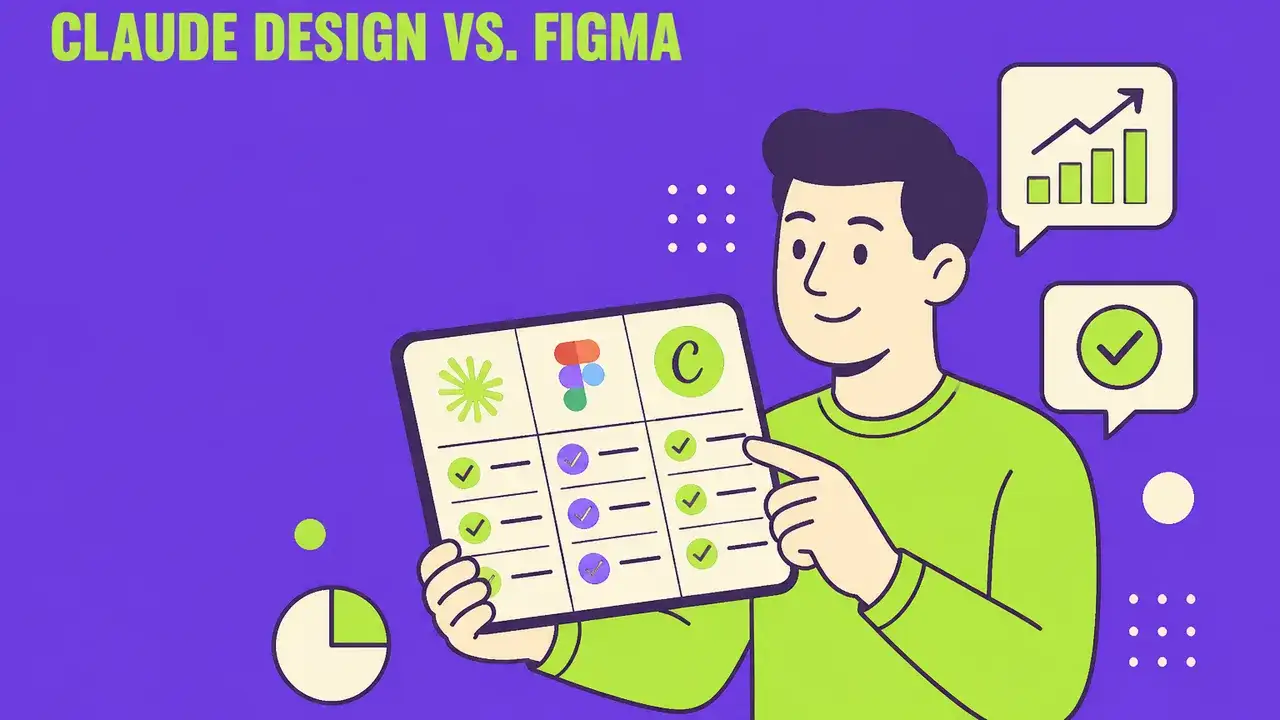
Claude Design vs. Figma vs. Canva: Pricing, Features & Verdict (2026)
Feature matrix, pricing reality, and practical test: Which design tool fits which marketing team in 2026? Includes ROI math, compliance check, and a clear recommendation per team profile.
 Tools & Technology
Claude Cowork in Marketing: 7 Use Cases for the Desktop AI Agent
Anthropic's Claude Cowork brings AI directly to the desktop. We show 7 concrete marketing use cases, compare with alternatives, and explain where Cowork shines – and where specialized tools are better.
AI solutions by Davies Meyer
From an application to the right delivery
Good AI applications need brand knowledge, a clear idea and the right execution. Davies Meyer brings strategy, creativity, content production and technology together. Creative Engineering is our method for making that collaboration repeatable.
We take responsibility for the concept and quality.