Claude Computer Use & Dispatch: AI Agents Control Your Computer — OpenClaw Shows the Open-Source Alternative
In short
Anthropic lets Claude remotely control your Mac — via smartphone command. Meanwhile, OpenClaw with 310,000 GitHub stars inspires a self-hosted AI agent movement. The comparison.
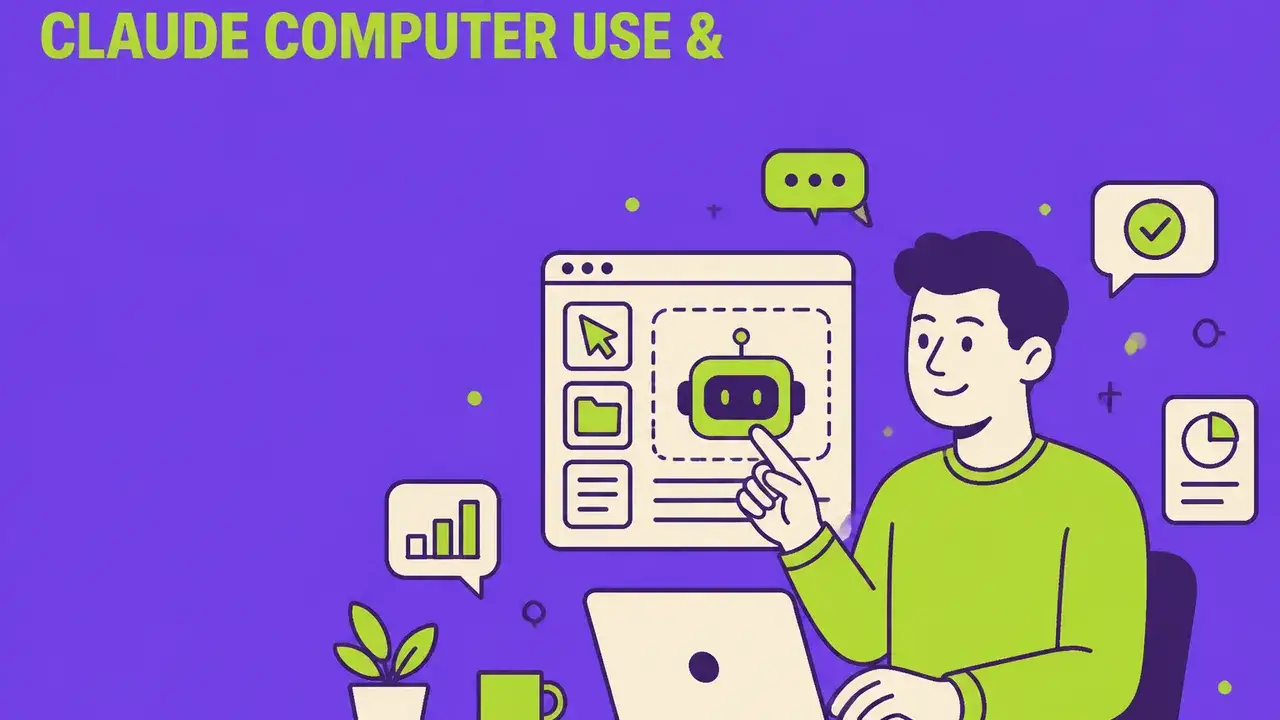
Table of Contents
The New Era of AI Agents: Claude Controls Your Computer — Even When You're Away
On March 24, 2026, Anthropic released an update that definitively blurs the line between AI assistant and autonomous agent: Claude can now remotely control your Mac — opening apps, navigating browsers, filling spreadsheets, running dev tools. Everything you would do at your desk, Claude can now do for you.
In parallel, the open-source phenomenon OpenClaw with over 310,000 GitHub stars is inspiring an entire movement of self-hosted AI agents. The message is clear: 2026 is the year AI stops just answering — and starts acting.
What Is Claude Computer Use?
Until now, Claude could chat, write code, and access services through configured integrations. With this update, Claude can now directly control your screen — using mouse, keyboard, and scroll actions.
The Three-Tier Priority Hierarchy
Claude doesn't jump straight to screen control. Instead, it follows an intelligent escalation logic:
- Connectors first — Is there a direct integration to Slack, Google Calendar, or Google Drive? Claude uses that.
- Browser as fallback — If no connector exists, Claude controls the browser to access the web version of a tool.
- Full screen control last — Only when neither option works does Claude take over mouse and keyboard.
This approach minimizes errors and distinguishes Claude from pure screen-scraping agents like OpenClaw.
Dispatch: Delegate Tasks From Your Smartphone
Simultaneously, Anthropic launched Dispatch — a feature connecting Claude across devices. You send a task from your iPhone, walk away — and Claude completes it on your Mac.
Practical Dispatch Examples
| Scenario | What Claude Does |
|---|---|
| Morning Briefing | Checks emails, compiles a summary, saves it as a document |
| Dev Workflow | Opens VS Code, runs tests, creates a pull request |
| Weekly Report | Pulls metrics from analytics dashboard, fills report template |
| PDF Export | Exports file as PDF and attaches it to a calendar event |
| Batch Image Editing | Scales photos to uniform size and adds watermark |
Requirement: Claude Desktop and Mobile apps must be paired, Mac must be on and app active.
Availability and Pricing
| Plan | Computer Use | Dispatch | Price |
|---|---|---|---|
| Claude Free | ❌ | ❌ | Free |
| Claude Pro | ✅ | ✅ | $20/month |
| Claude Max | ✅ | ✅ | $100–200/month |
| Team/Enterprise | ✅ (Admin approval) | ✅ | Custom |
Platform: Currently macOS only — Windows support announced but not yet available.
Security Architecture
Anthropic has built multiple layers of protection:
- Permission Gating: Claude asks before accessing each new application
- Prompt Injection Detection: Real-time scanning of model activations while navigating the web
- VM Isolation in Cowork: Computer Use runs inside an isolated virtual machine
- Sensitive Apps Blocked: Financial, legal, and medical apps are blocked by default
Anthropic explicitly recommends not processing sensitive data through Computer Use yet — this is a research preview.
OpenClaw: The Open-Source Phenomenon Compared
Parallel to Anthropic's proprietary approach, OpenClaw has become the fastest-growing open-source project in history:
What Is OpenClaw?
OpenClaw is a self-hosted agent runtime and message router, started by Peter Steinberger in November 2025 as "Clawdbot." After a trademark complaint from Anthropic, it was renamed through "Moltbot" to "OpenClaw" — Steinberger personally called Sam Altman to clear the name.
OpenClaw by the Numbers
| Metric | Value |
|---|---|
| GitHub Stars | 310,000+ |
| Age | < 4 months |
| Commits (Jan 2026) | 6,600 (incl. 600 in a single day) |
| CVEs (Security Vulnerabilities) | 60+ |
| NVIDIA CEO Jensen Huang | "Probably the single most important release of software ever" |
How OpenClaw Works
At its core, OpenClaw is a Node.js process ("Gateway") running on your machine, serving as a message router between messaging apps, AI models, and system capabilities.
Configuration happens through Markdown files:
- SOUL.md — Personality, communication style, values
- AGENTS.md — Operational rules, workspace patterns
- USER.md — Context about the user (name, timezone, preferences)
- HEARTBEAT.md — Checklist for periodic autonomous actions
OpenClaw is model-agnostic and supports 20+ AI providers: Claude, GPT, Gemini, DeepSeek, Grok, and local models via Ollama.
Claude Computer Use vs. OpenClaw: Direct Comparison
| Dimension | Claude Computer Use | OpenClaw |
|---|---|---|
| Type | Proprietary (Anthropic) | Open Source (MIT License) |
| Cost | $20–200/month (subscription) | Free + API costs ($10–300/month) |
| Setup | One-click activation | Self-hosted, technical setup |
| Security | VM isolation, permission gating | 60+ CVEs, "insecure by default" (Gartner) |
| Platform | macOS (Desktop + Mobile) | Cross-platform (prefers Mac Mini) |
| AI Models | Claude only | 20+ providers |
| Proactive Actions | Dispatch (scheduled tasks) | Heartbeat daemon (autonomous actions) |
| Persistent Memory | Conversation history | 4-layer memory system |
| Connector Hierarchy | Yes (Connector → Browser → Screen) | No (direct system control) |
| Enterprise-Ready | Yes (Team/Enterprise plans) | No (community project) |
Other Players in the Computer Use Market
Google Gemini App Control
Since March 2026, Google has been rolling out app automation on Android — Gemini can control apps, place orders, and change settings. The focus is on the mobile ecosystem.
OpenAI Codex
OpenAI's Codex offers similar screen control features, primarily optimized for developers.
NVIDIA NemoClaw
At GTC 2026, NVIDIA announced NemoClaw — an enterprise version of OpenClaw with GPU-accelerated inference and enterprise security features.
What This Means for Marketing Teams
1. Automated Content Workflows
Claude can now independently operate design tools, create screenshots, export files, and insert them into project management tools — without a human manually executing each step.
2. No-Click Reporting
Instead of opening Google Analytics every Monday, copying data, and pasting into slides, delegate the entire chain to Claude Dispatch: "Create the performance report from GA4 every Monday at 8 AM and save it to the team folder."
3. Cross-Tool Orchestration
Marketing teams typically use 15–20 tools. Claude Computer Use can act as a universal connector, linking tools without native API integrations.
4. Competitive Monitoring
A Dispatch workflow can scan competitor websites daily, capture price changes, and create summaries — fully automated.
Risks and Limitations
Error Susceptibility
Screen control is inherently less precise than API integrations. UI changes in tools can break workflows.
Security Concerns
- Claude has access to everything visible on screen
- OpenClaw has 60+ known security vulnerabilities
- China has banned OpenClaw on government computers
Data Privacy (GDPR)
With Claude Computer Use, screenshots are sent to Anthropic's servers. For EU companies, the question arises: What data leaves the computer?
Dependency
Delegating critical workflows to an AI agent creates a new form of dependency — on uptime, model quality, and provider decisions.
Best Practices: How to Start Safely
1. Start Small
Begin with non-critical, repeatable tasks: file organization, screenshot creation, meeting summaries.
2. Block Sensitive Apps
Restrict access to banking, HR systems, and confidential documents.
3. Build Review Loops
Let Claude prepare the work, but review results before sending.
4. Run OpenClaw Only on Dedicated Devices
If testing OpenClaw, use a dedicated Mac Mini — not your work computer.
5. Enable Logging
Document all agent actions for compliance and error analysis.
Conclusion: The Computer Becomes a Co-Pilot
Claude Computer Use and OpenClaw mark a turning point: The computer transforms from tool to work partner. The question is no longer whether AI agents will control our computers — but how safely and controllably this happens.
For marketing teams, a new productivity tier opens up: workflows that previously required 20 manual clicks become a single voice command. But with this power comes responsibility — for security, privacy, and the conscious decision about which tasks to entrust to an agent.
Want to safely integrate AI agents into your marketing workflows? Contact us for individual consulting.
Frequently Asked Questions
What is "Claude Computer Use & Dispatch: AI Agents Control Your Computer — OpenClaw Shows the Open-Source Alternative" about?
Anthropic lets Claude remotely control your Mac — via smartphone command. Meanwhile, OpenClaw with 310,000 GitHub stars inspires a self-hosted AI agent movement. The comparison.
The New Era of AI Agents: Claude Controls Your Computer — Even When You're Away: what matters?
On March 24, 2026, Anthropic released an update that definitively blurs the line between AI assistant and autonomous agent: Claude can now remotely control your Mac — opening apps, navigating browsers, filling spreadsheets, running dev tools.
What Is Claude Computer Use?
Until now, Claude could chat, write code, and access services through configured integrations. With this update, Claude can now directly control your screen — using mouse, keyboard, and scroll actions.
The Three-Tier Priority Hierarchy: what matters?
Claude doesn't jump straight to screen control. Instead, it follows an intelligent escalation logic: Connectors first — Is there a direct integration to Slack, Google Calendar, or Google Drive?
Related Articles
You might also be interested in these posts
 Trends & Insights
SynthID Text: How Invisible Watermarks in AI Text Work
Anthropic brings SynthID watermarking to Claude. What it means for content teams, detectors and compliance.
 Trends & Insights
OpenClaw & Moltbook: When AI Agents Start Their Own Social Network – A Creative Engineering Perspective
One AI agent cleans your inbox, another starts a social network – just for bots. What sounds like a sci-fi sketch is reality in 2026. What Creative Engineers can learn from this.
 Trends & Insights
Creator Commerce Goes Agentic: Product Feeds for the AI Discovery Layer
LTK, TikTok Shop and agentic campaign management: why attribute coverage now beats aesthetics — and how to make invisible losses visible.